2026.01.29 / JUN.NXP
1. 설치
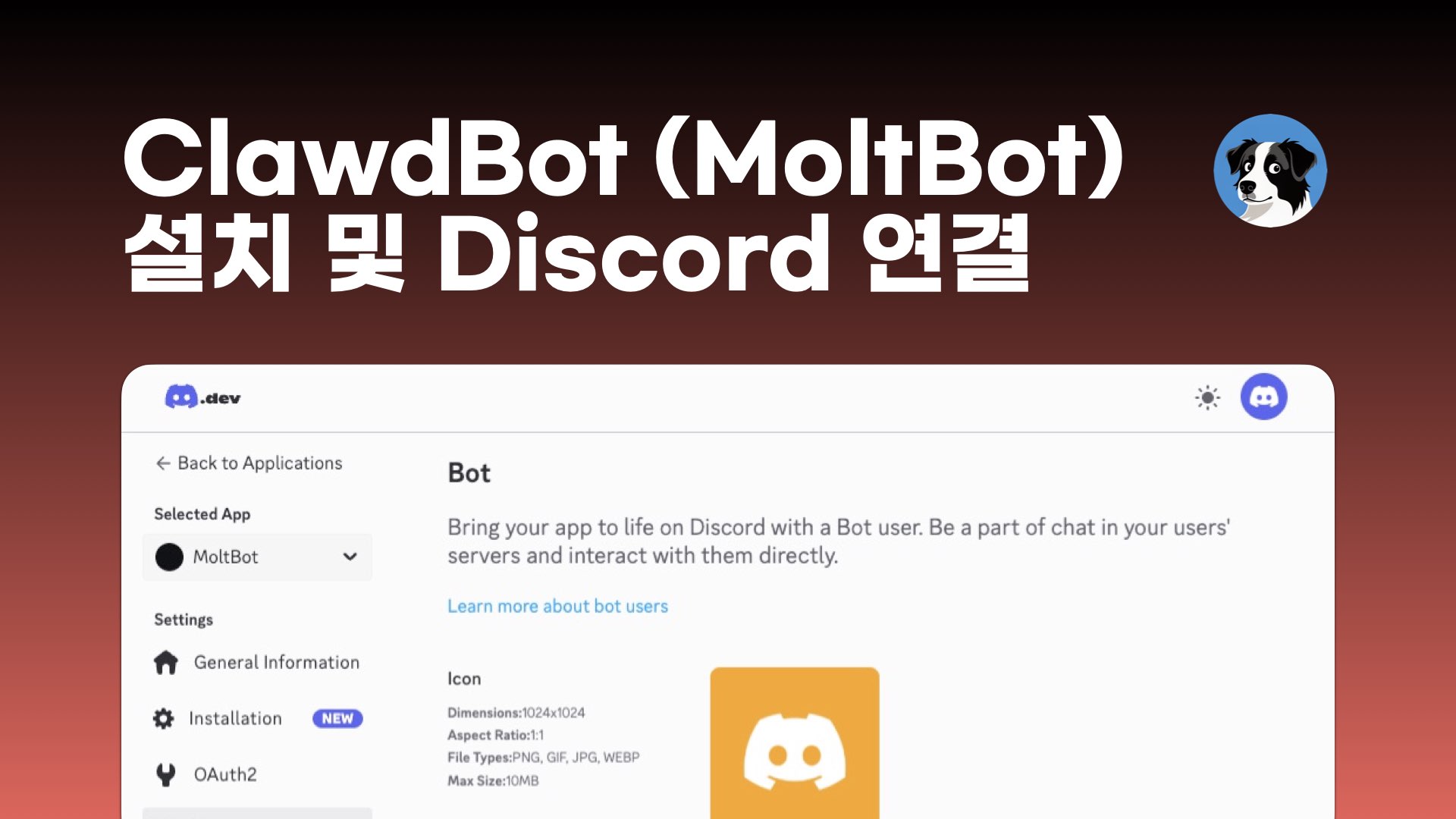
아래는 Mac mini에 MoltBot(Clawdbot CLI 기반)을 설치하고 Discord까지 연결한 절차 요약입니다.
1.1 Claude로 작업 계획 잡고, Cursor로 설치 작업 진행
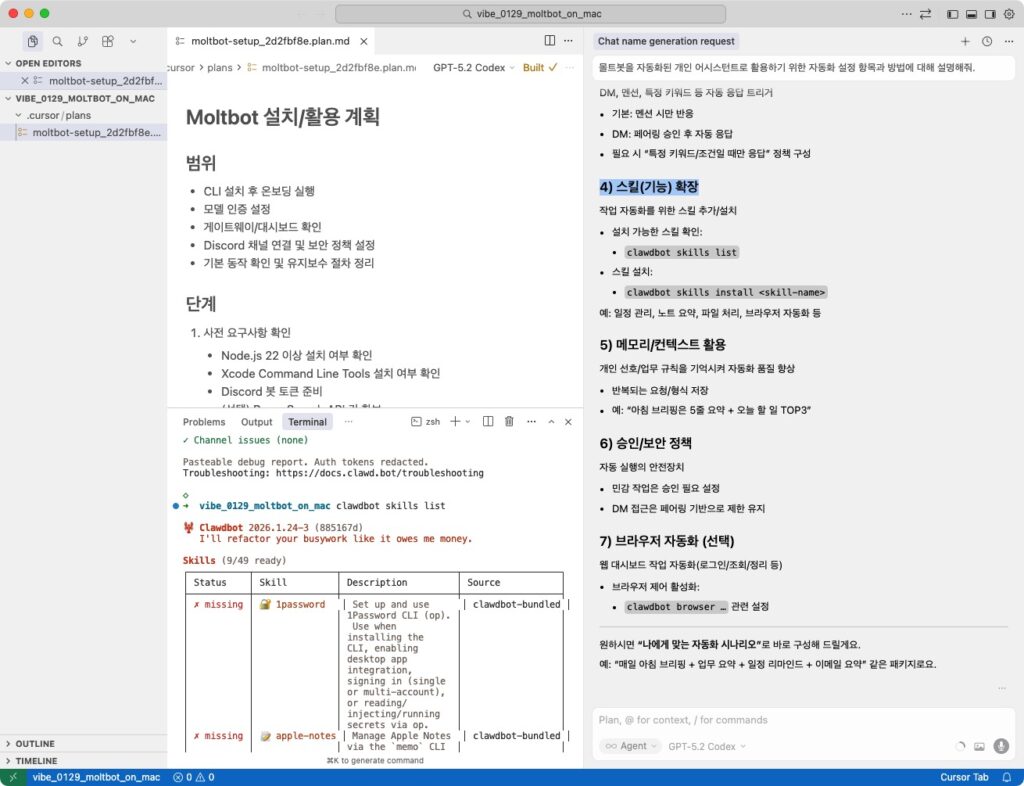
- 설치
curl -fsSL https://molt.bot/install.sh | bash- 온보딩(비대화형)
clawdbot onboard --non-interactive --accept-risk --skip-channels --skip-skills --skip-ui --auth-choice skip --gateway-port 18789 --install-daemon- 모델 인증 및 기본 모델 설정
clawdbot models auth paste-token --provider openaiclawdbot models set openai/gpt-4o
1.2 clawdbot – Discord 연결
- Discord 플러그인 활성화 및 게이트웨이 재시작
clawdbot plugins enable discordclawdbot gateway restart- Discord 채널 계정 등록
clawdbot channels add --channel discord --name "discord" --token "<DISCORD_BOT_TOKEN>"- 상태 확인
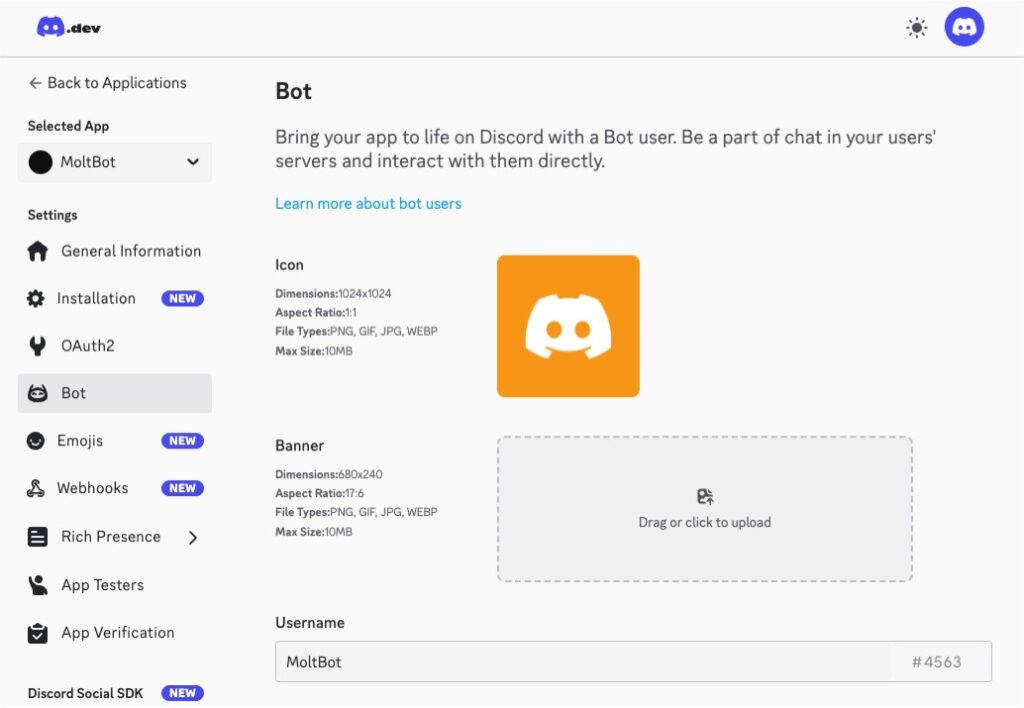
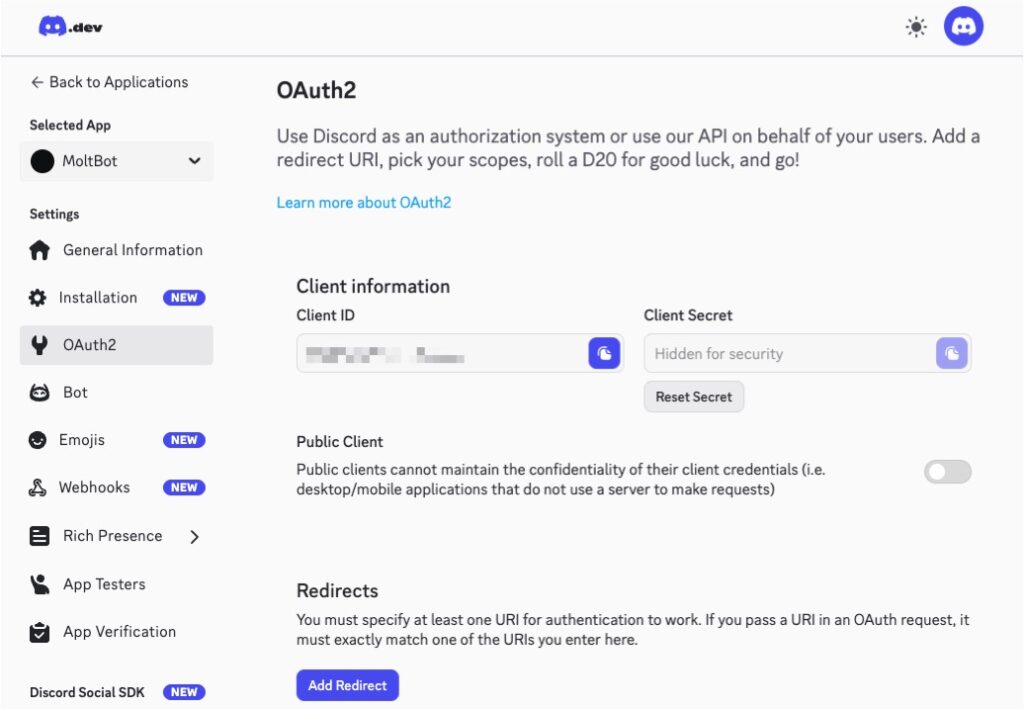
1.3 clawdbot 정상 설치 및 작동 여부 확인 & 보안 점검
clawdbot gateway statusclawdbot channels statusclawdbot status --allclawdbot healthclawdbot doctor
Mac mini에 MoltBot(Clawdbot CLI 기반) 설치 및 Discord 연결 요약
https://github.com/junsang-dong/vibe_0129_moltbot_on_mac
2. 활용
설치 이후 Discord 채널/DM에서 MoltBot을 개인 어시스턴트로 활용할 수 있습니다.
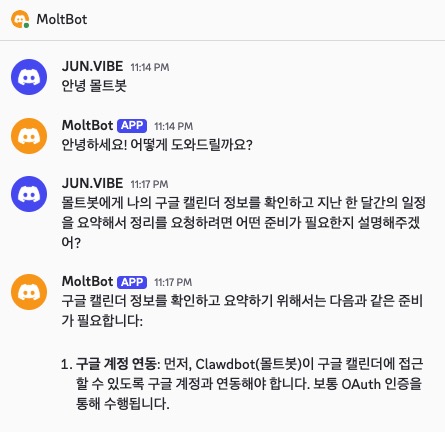
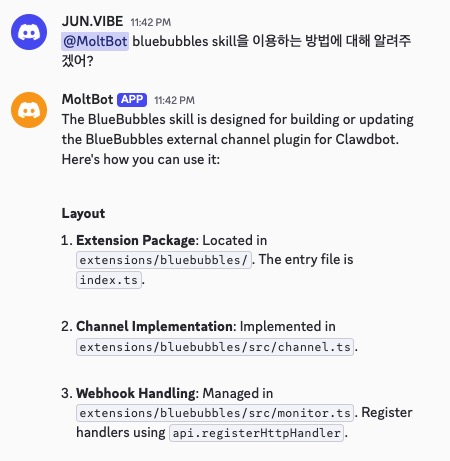
- 채널 멘션 요청
- 예:
@MoltBot 오늘 일정 요약해줘 - DM 요청(페어링 승인 필요)
- DM에서 최초 요청 시 페어링 코드가 발급됨
- 승인:
clawdbot pairing approve discord <코드> - 테스트 메시지 전송
- 채널 테스트:
clawdbot message send --channel discord --target <채널ID> --message "테스트 메시지" - 멘션 테스트:
clawdbot message send --channel discord --target <채널ID> --message "<@봇ID> 멘션 테스트" - 자동화 예시(Cron)
clawdbot cron add "0 9 * * *" "오늘 일정 요약해줘"- 보안 감사
clawdbot security audit --deep